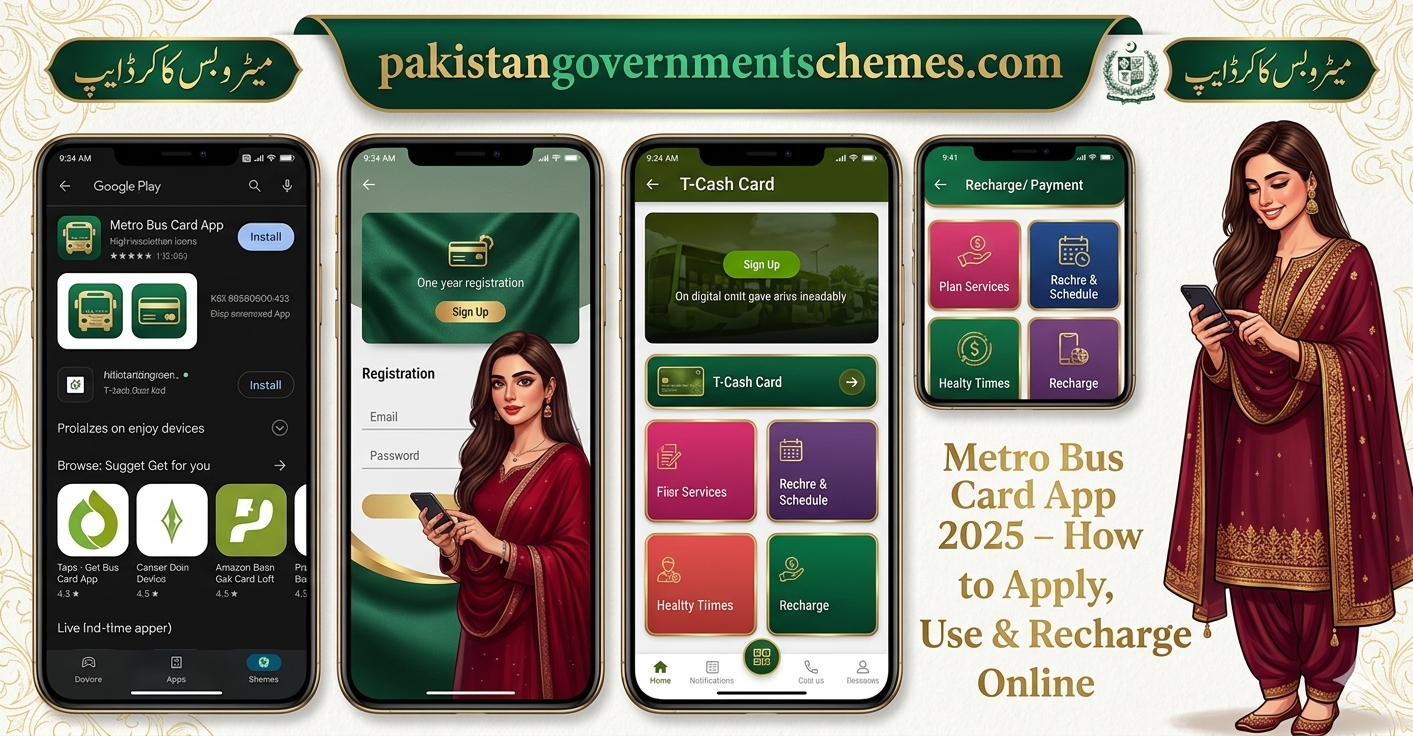
Download the Metro Bus Card App 2026 (T-Cash Punjab) to apply for a new card, recharge online, check balance, generate QR tickets, and manage transactions. Learn step-by-step guide, features, and benefits.
Introduction
The Metro Bus Card App 2026 (T-Cash Punjab App) has transformed public transport in Lahore, Rawalpindi–Islamabad, and Multan. Instead of waiting in long queues for tokens, passengers can now apply, recharge, and manage their Metro Card directly from their mobile phones.

 WhatsApp Channel
This app offers balance check, online recharge, QR ticketing, transaction history, and card blocking features, making travel cashless, fast, and secure.
How to Download Metro Bus Card App
| Platform | Steps |
|---|---|
| Android | Open Google Play Store → Search “T-Cash Punjab” → Install → Allow permissions |
| iPhone | Open App Store → Search “T-Cash Punjab” → Download & Install → Start login process |

How to Use Metro Bus Card App – Step by Step
- Register Account – Enter CNIC, Name, Mobile Number, Password → Verify via OTP
- Apply for New Card (Optional) – Fill form in-app → Pay Rs.130 via Easypaisa, JazzCash, Bank, or Debit Card → Receive SMS confirmation
- Link Metro Card – Enter 12-digit card number → Verify → Link successfully
- Check Balance – Real-time balance visible on dashboard
- Recharge Card – Choose Easypaisa, JazzCash, Bank Transfer, or Debit/Credit Card → Confirm payment → Balance updates instantly
- Generate QR Ticket – Use QR code for entry without physical card
- Track Transactions – View ride & recharge history in “My Transactions”
- Block Lost Card – Security Settings → Block My Card → OTP verification
- Contact Support – Use in-app Help section (Live Chat & Helpline)

Key Features
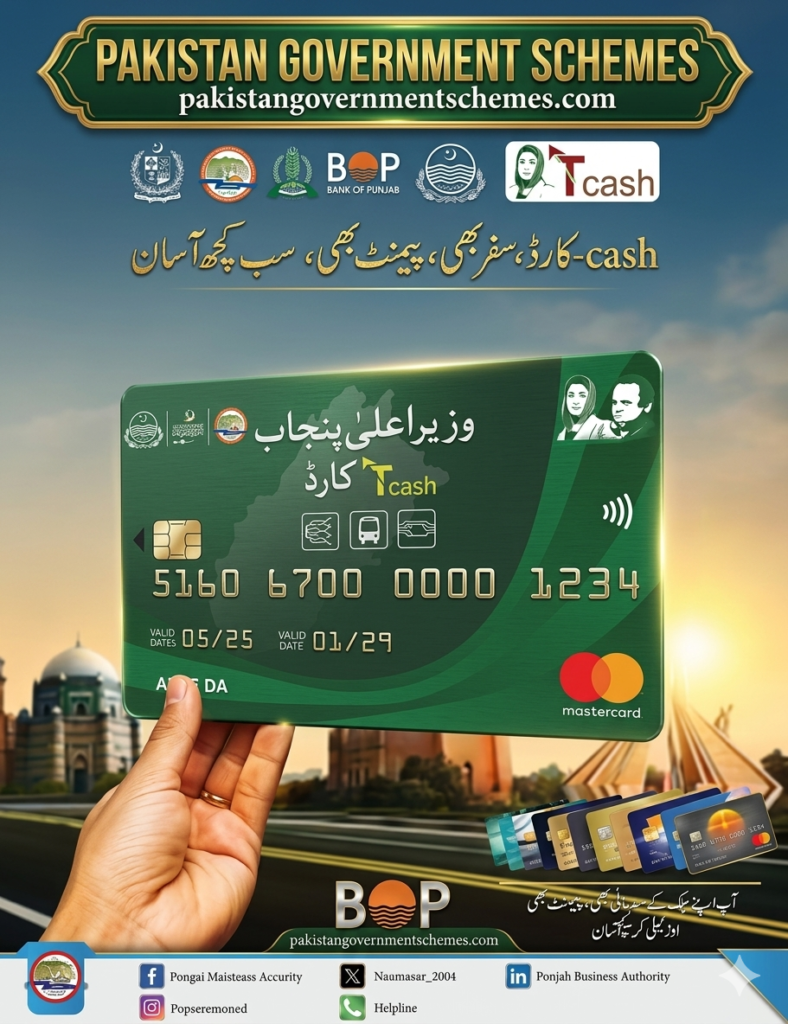
| Feature | Description |
|---|---|
| Balance Check | Real-time balance on dashboard |
| Online Recharge | Easypaisa, JazzCash, Bank Card |
| QR Ticketing | Travel without physical card |
| Transaction History | Detailed fare & recharge record |
| Card Block Option | Instantly block lost card |
| Multi-City Usage | Lahore, Multan, Rawalpindi–Islamabad |
Benefits
- 100% digital & contactless travel
- Secure payments via Bank of Punjab gateway
- No queues, no tokens
- Transparent fare record
- Multi-city support
- Easy recharge & balance check
- Metro Bus Card App 2026
Official Contact Information
| Type | Details |
|---|---|
| Authority | Punjab Mass Transit Authority (PMA) |
| Address | Arfa Software Technology Park, Ferozepur Road, Lahore |
| Helpline | 042-111-222-627 |
| Website | pma.punjab.gov.pk |
| Portal | etransit.punjab.gov.pk/auth/signup |
FAQs – Metro Bus Card App 2026
Q1: What is the official name of the app? T-Cash Punjab App, launched by PMA.
Q2: Can I recharge online? Yes, via Easypaisa, JazzCash, Bank Transfer, or Debit/Credit Card.
Q3: Can I generate a QR ticket? Yes, QR Ticketing allows card-free travel.
Q4: Is the app available in all cities? Yes, Lahore, Multan, and Rawalpindi–Islamabad routes are supported.
Q5: Can I apply for a new card in-app? Yes, with Rs.130 issuance fee.
Q6: Can I link multiple cards? Yes, family members’ cards can be managed in one account.

Q7: Is recharge fee applicable? No, recharge is fee-free (gateway charges may apply).

Q8: Can I export transaction history? Yes, download receipts in PDF format.
Conclusion
The Metro Bus Card App 2026 (T-Cash Punjab) is a must-have digital partner for regular commuters. With instant recharge, balance check, QR ticketing, and secure transactions, it makes travel cashless, fast, and stress-free.
👉 Download the app today and experience smart, modern, and safe travel across Punjab’s Metro Bus system.